Design Prompt:
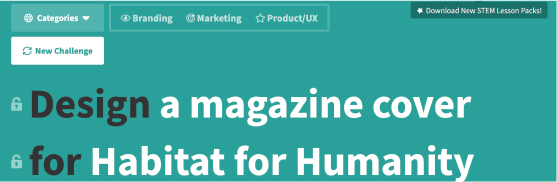
I used a website called Sharpen to generate a random Design Prompt. The one that jumped out at me was to create a magazine cover for Habitat for Humanity. I’ve always enjoyed designing spreads and layouts, so I chose to work on this prompt.
Tools Used:
For this project, I decided to used Adobe InDesign. I chose this software as it is primarily used for designing typography-based layouts. I’ve used InDesign before to do a magazine cover specifically, and I trusted this to be the best choice for the job. I used the website Sharpen to generate the prompt. I also used the Habitat for Humanity website to pull article titles, images, and logos. In addition to these tools, I used Pixabay for the barcode vector art.
Approach:
I received my prompt from Sharpen and set to work. I gave myself a time limit of two hours to complete the design. To begin my design, I navigated to the Habitat for Humanity website. I looked at the events they are currently running and their branding information in order to get a feel for how their organization runs. I also looked at their promotional material to see how they like to market, and noticed that they seem to like a simple approach with a focus on the people. I then gathered some images from their website, as well as their logo directly from their site. I made a color palette based on the colors Habitat for Humanity uses in all their advertising. Next, I set up my document as a standard magazine size. I inserted the images I wanted to use, decided on the typography (Gothic Bold and Semibold), Then I pulled headlines from various articles on the Habitat for Humanity website and arranged them on the cover of the magazine with the help of a grid.
Magazine Cover:

Back Cover Front Cover
 Kyllie K. Mahoney